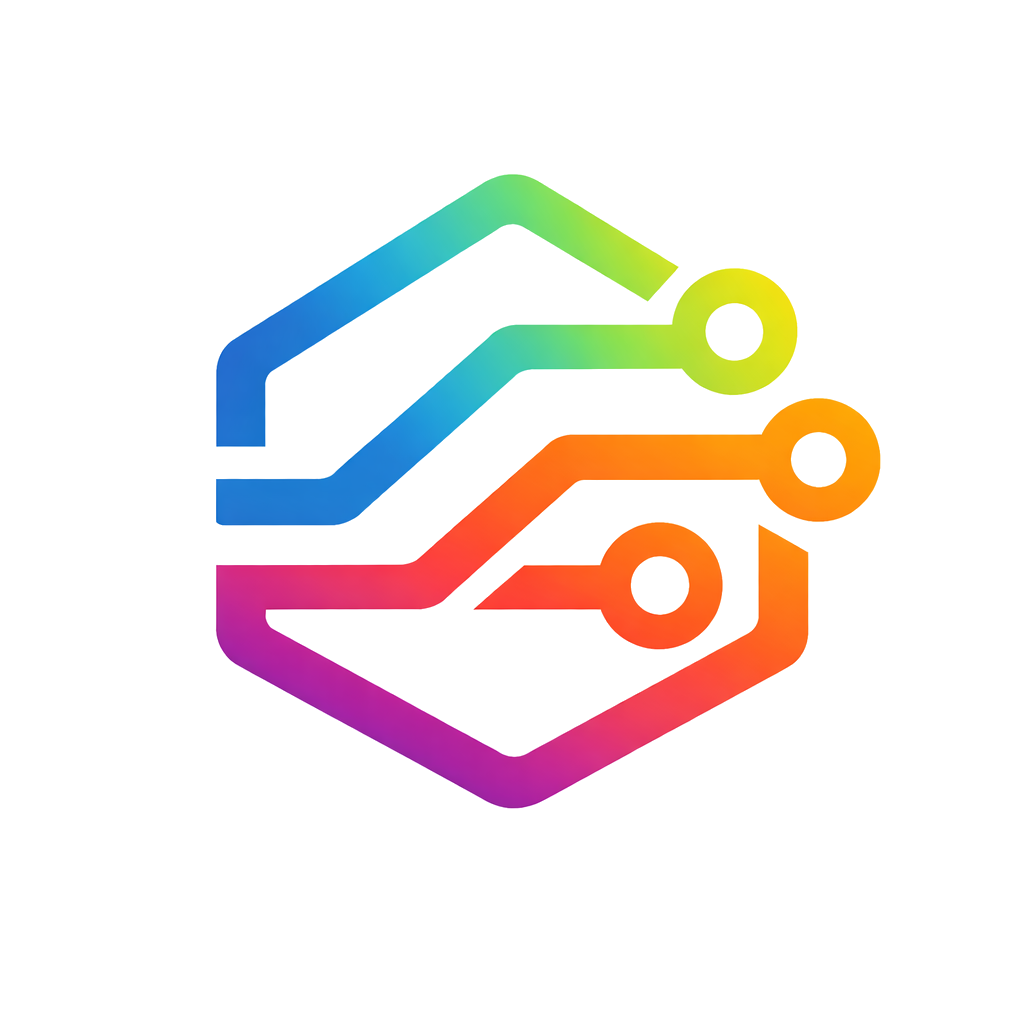
My personal branding sucked. My banner was just a picture of me at a conference from about 10 years ago and my “logo” was just some angle brackets and a slash in a hexagon. It’s not bad, but it’s old, tired, and I want something that just looks a lot cooler. Something with some more energy and more professional and polished.
The problem is that I’m not an artist or designer, I’m an engineer. I could hire a professional to create some assets for me. But that would cost money, and my personal blog and social media don’t generate any money. I just wouldn’t make any sense for me to spend a lot of money on something that isn’t going to make any money.

Computer, Make It For Me
Enter the power of AI image generation (specifically ChatGPT in my case). In just a few prompts I was able to get a brand new cool, modern logo and banner I could use for my website and LinkedIn! And here are the exact prompts I used!

Getting Started
In the first prompt I’m telling ChatGPT
- Who I am, professionally
- What I want
- How I am going to use it
- And to ASK ME QUESTIONS!
I’m a full-stack software engineer, and I have a personal website, https://ianmccall.codes. I want to create some new logos and banners that I can use on my website and social media for my personal brand. Generate a new logos for me. Ask any questions you need to make the best results.
As anybody that has used LLMs will tell you, telling it to ask questions / make a plan, will get you a much better result. And I think the questions it asked were good. It asked me 6 questions:
- What “Brand vibe” I wanted.
- “Name style”. Basically whether I wanted to emphasize my name, initials, URL, etc.
- “Color direction”
- Symbol Ideas
- Usage (which social media sites I planed to use it on.)
- “Personality”
And for each it was able to give me some examples to help me understand what it was asking.
After answering the questions, it was able to generate the branding image above! And for me, that was perfect, way better than I could have done on my own! Could a professional designer or artist have done better? Probably yes! But that would have cost me a not insignificant about of money and time. And this was quick, easy, and cheap.
Refinements
The next thing to do was to try to get the AI to extract the banner and a logo from the image so I could use them. I wasn’t sure how this part would go, because there was no guarantee that it would be the same as what it just generated. So I asked it:
Please generate a larger version of the banner that I can upload to LinkedIn
And I was pleasantly surprised to see that it did!

Then I wanted to extract one of the icons
Please generate a PNG of the pure circuit icon, that can be uploaded to LinkedIn

One note about the icon: I should have asked it to generate it with a transparent background. I ended up using GIMP to remove the background, because I ran out of tokens and didn’t want to wait or pay for plus.
I also had it generate a version without the gradient:
Good, now generate a version without the gradient. Just black lines

Then I also had it generate CSS so I could replicate the colors and gradient on my website. It was even able to generate a pure CSS animation of the gradient that I applied to the navigation bar on my site.
It’s Ok. We all make mistakes
However not everything worked quite so easily. I also asked it to generate SVG versions of the logos. The results were far from accurate.

I suspect that it’s because, the image generation is handled by a stable diffusion type model where as creating the SVG is handled by a code generation model. I also tried taking the black and white image, starting a new chat, uploaded the image and asked it to generate an SVG. It got closer, but still far from accurate. I even asked Gemini to give it a go, and it just straight up refused to try.
Also, some time later after updating my site and LinkedIn, I decided I wanted to extract one of the monogram logos that it had generated before.
Can you generate a png of the IM monogram icon, with a transparent background?

You may notice that it looks similar to, but not exactly what it generated before. This is likely that the way the image generation model works is non deterministic. Even if you pick up the same session, or branch the conversation from when you first generated the sample image, the sate of the image generator is not preserved.
Takeaways?
Even with these issues, I’m still very happy with what it was able to generate for me. The result is much more polished and professional looking than I would have been able to generate on my own. This is the part where AI evangelists would start crowing about how “no one needs designers or artists anymore”, but I know that just isn’t true. The result I got, while much better than I could do alone, is also derivative and a little generic. And it has that same purple gradient that AIs seem to default to when designing for the web. A competent artist/designer could make something much better.
A professional artist or designer can (and should) demand good professional money. AI tools are not a replacement for a good professional. But these tools can help bridge the gap for those of us that don’t have the skills, or the money to pay someone that has the skill. I won’t call my self a designer but, with these tools, I can generate something that is good enough for me.